The home network is a small data centre today: TVs, voice assistants, cameras, thermostats, consoles, phones, NAS, printers — dozens of devices talking to the internet around the clock. CERNIS PRO scans the network, watches its traffic, investigates anything unusual and explains every finding in plain language. And the decisive difference: scans, histories and stored results remain on the user’s machine — no account, no cloud storage, no subscription.
It shows and puts things in context — but doesn’t judge. You decide.
Scans, histories and stored results remain on the user’s machine
Under the GPL-2.0-only, in the user’s hands
The source for every finding
What makes CERNIS PRO special
Radically local
There is no user account, no CERNIS cloud backend, no telemetry and no licence server. Scans, histories and stored results remain on the user’s machine — in local databases and files under the user’s control; nothing sits “somewhere”. They also remain after uninstalling until the user deletes them.
Passive observation
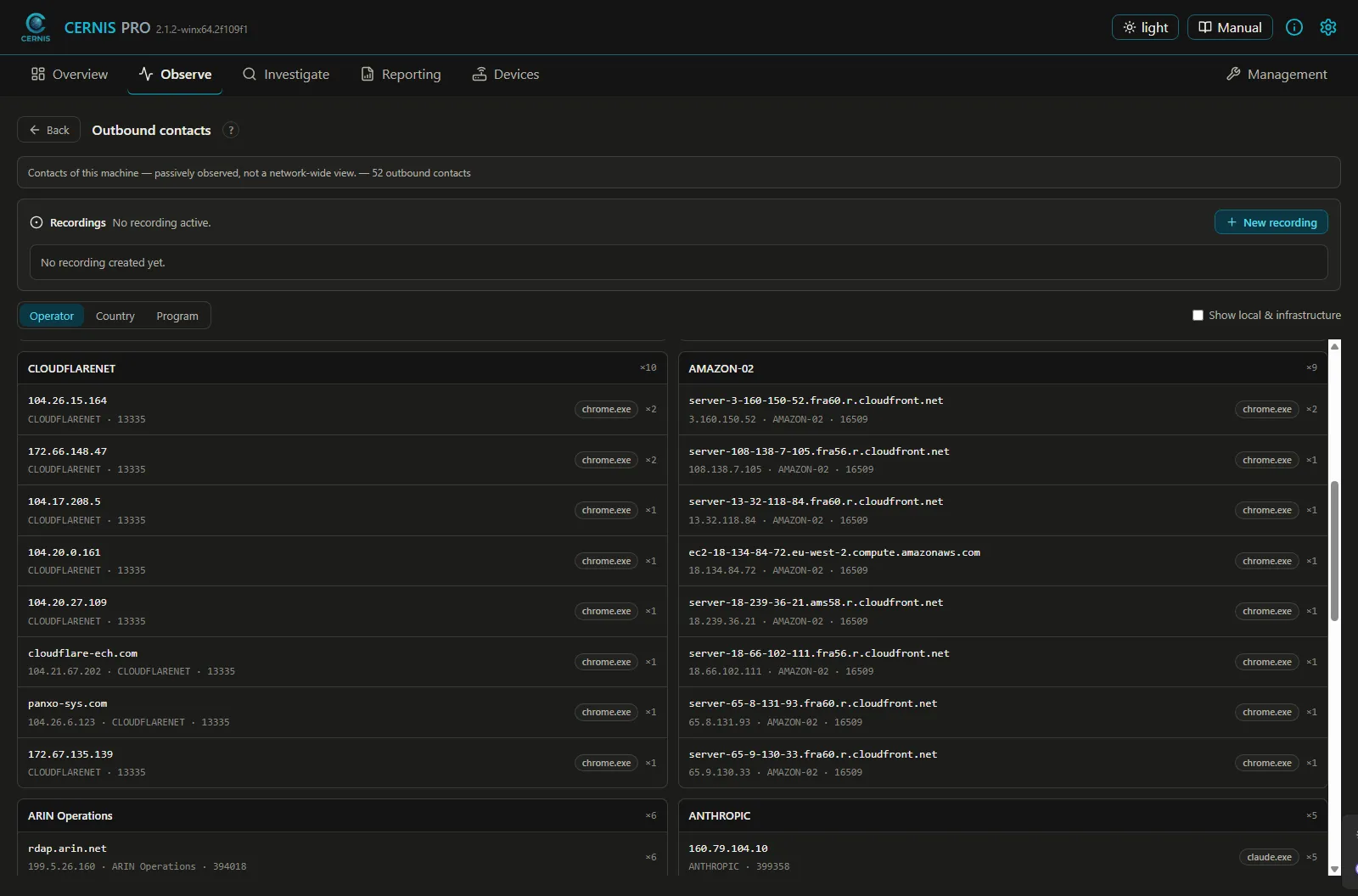
Capturing requested host names (SNI) only reads along instead of generating traffic of its own. The live data stays transient. The host names derived from it are stored permanently only once the user switches on the recording of external contacts.
Facts with their source
When CERNIS tells the user who is behind an IP address, it shows the source for every detail — name, network operator, country, certificate. No black box that simply says “dangerous” or “safe”.
The user defines “unusual”
The analysis rules belong to the user: defaults are there, but they are not binding.
Why CERNIS PRO
Between simple consumer apps and powerful professional tools there is a gap:
Simple network apps are quick to get going and beginner-friendly, but stay superficial, rarely put things in context (a traffic light instead of an explanation) and often move the essentials into cloud, account and subscription.
Professional and open-source kits can do a great deal, but demand expertise, several combined tools and sometimes dedicated hardware (a SPAN/TAP port, a second network card, a dedicated sensor).
Enterprise security is comprehensive, but expensive, complex and oversized for a home or small office network.
CERNIS PRO deliberately sits in between: the depth of a professional tool, the clarity of a consumer app and the data sovereignty of free software — in a desktop application that runs locally.
What that means in practice
Professional depth one can understand
Passive SNI capture (target host names even over encryption, attributed to the app), a network-wide DNS-bypass guardian, CVE cross-checks, routes with country/operator, a detailed FRITZ!Box read-out — in an understandable interface instead of several combined tools.
Passive, without hardware tinkering
No SPAN port, no second network card, no Raspberry Pi — an ordinary desktop application that needs no hardware of its own to read along.
What CERNIS PRO is NOT
Not a replacement for antivirus on the endpoint.
Not a firewall / intrusion-prevention system — CERNIS observes and explains, it does not block.
Not an enterprise SIEM for data centres with hundreds of hosts.
Not a packet-forensics tool for analysing individual bytes on the wire.
CERNIS is the honest, understandable observer for one’s own home and small office network — with plenty of depth, but without claiming to replace every specialised tool. Sold through clarity, not through fear.
A look inside the application
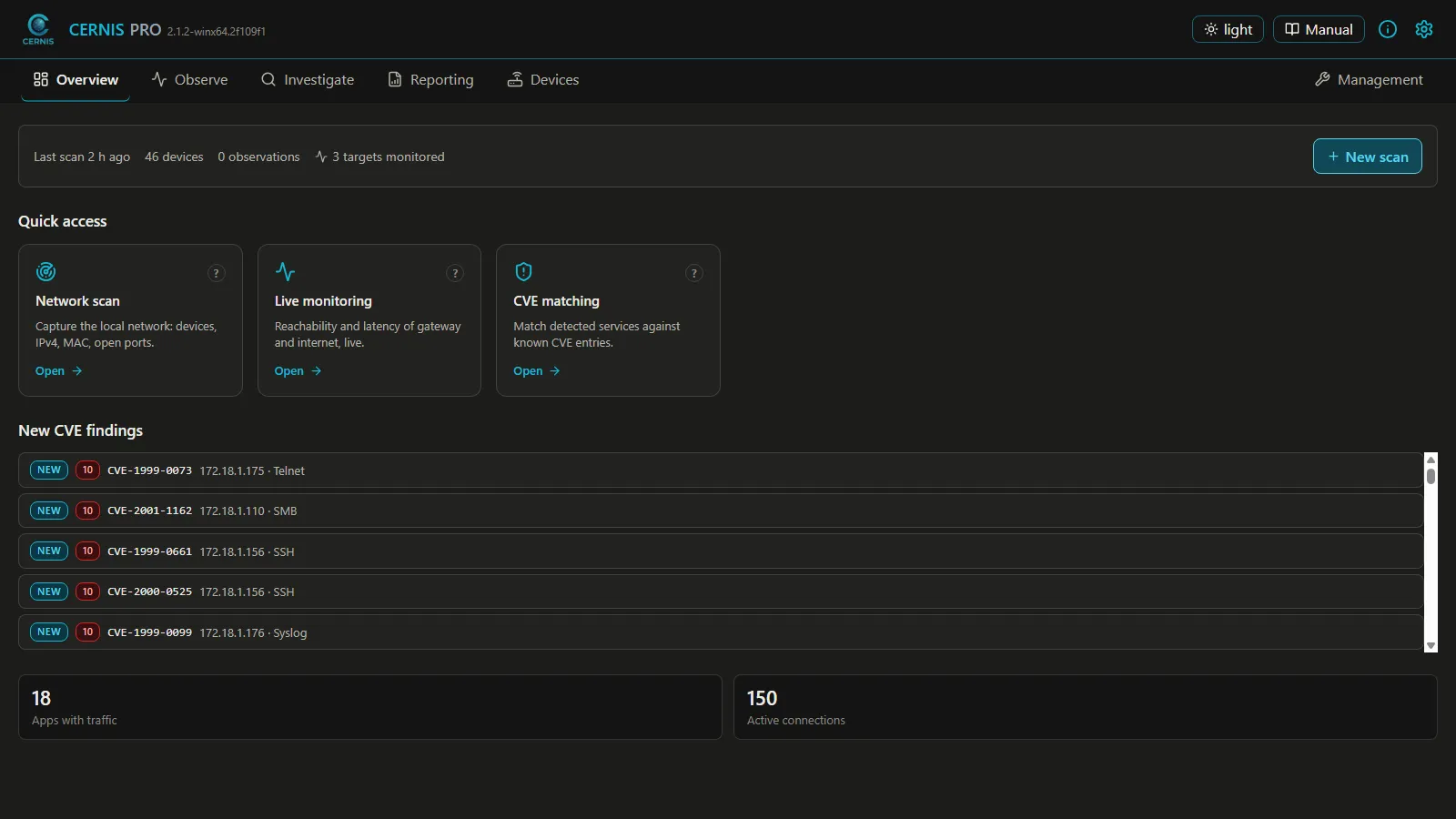
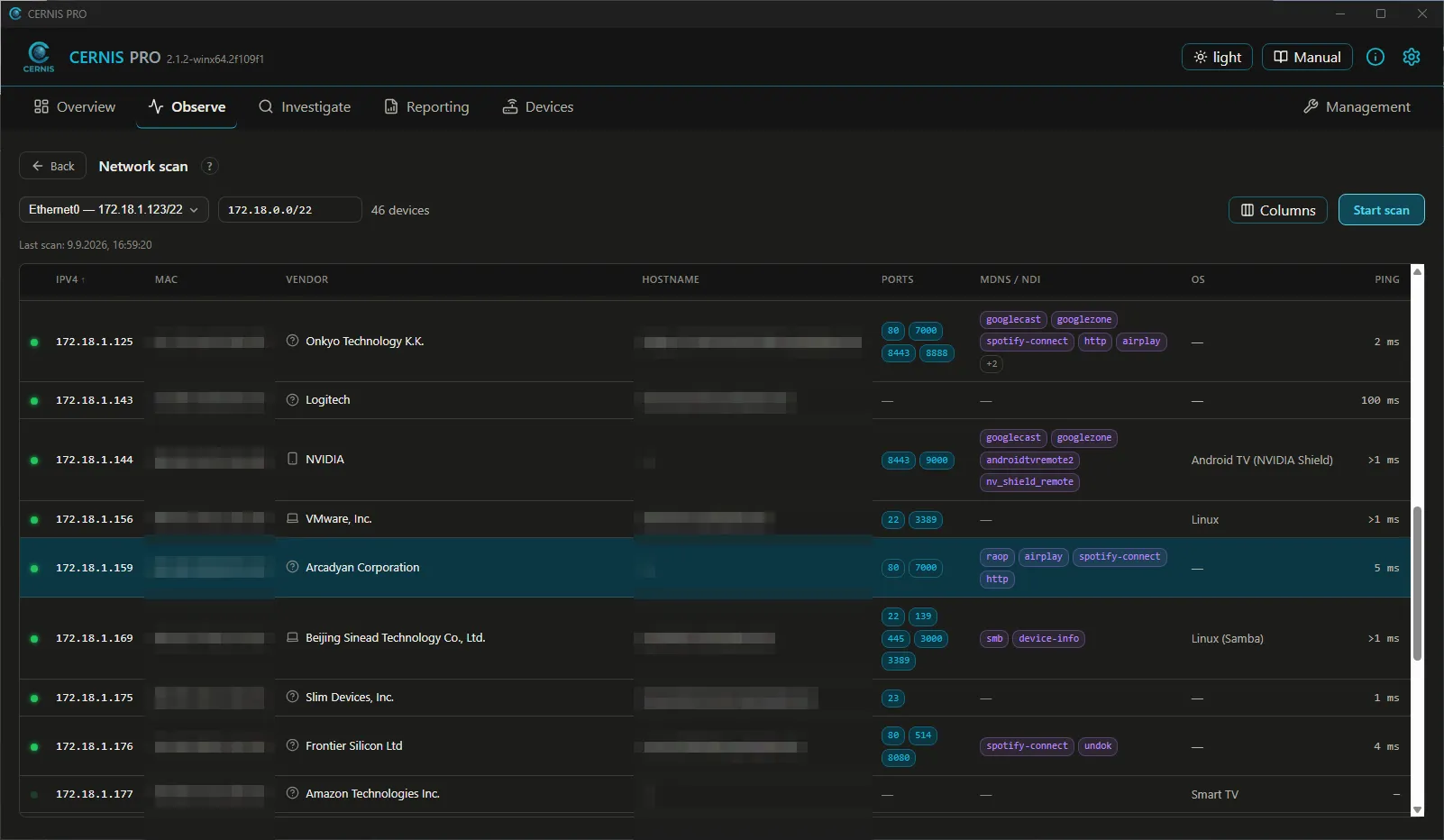
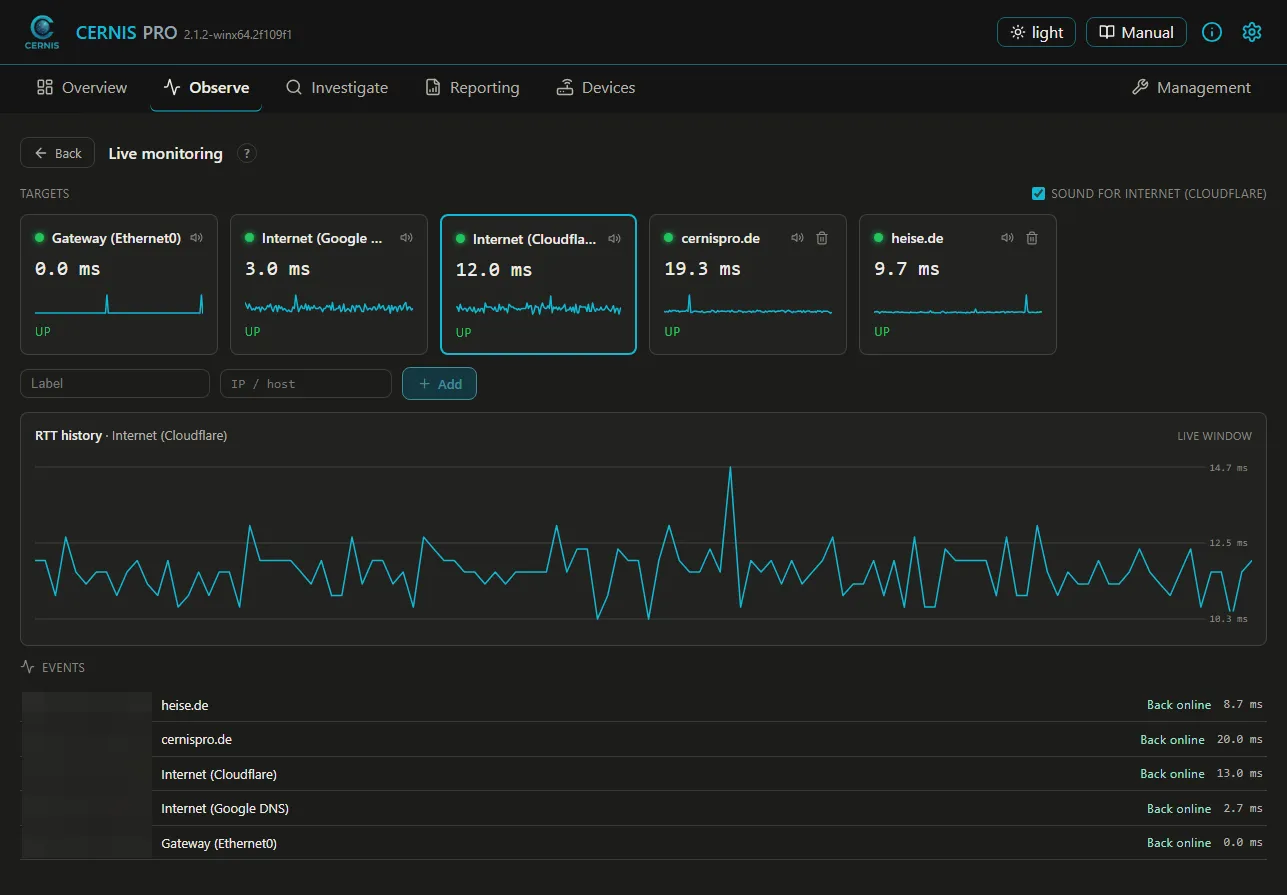
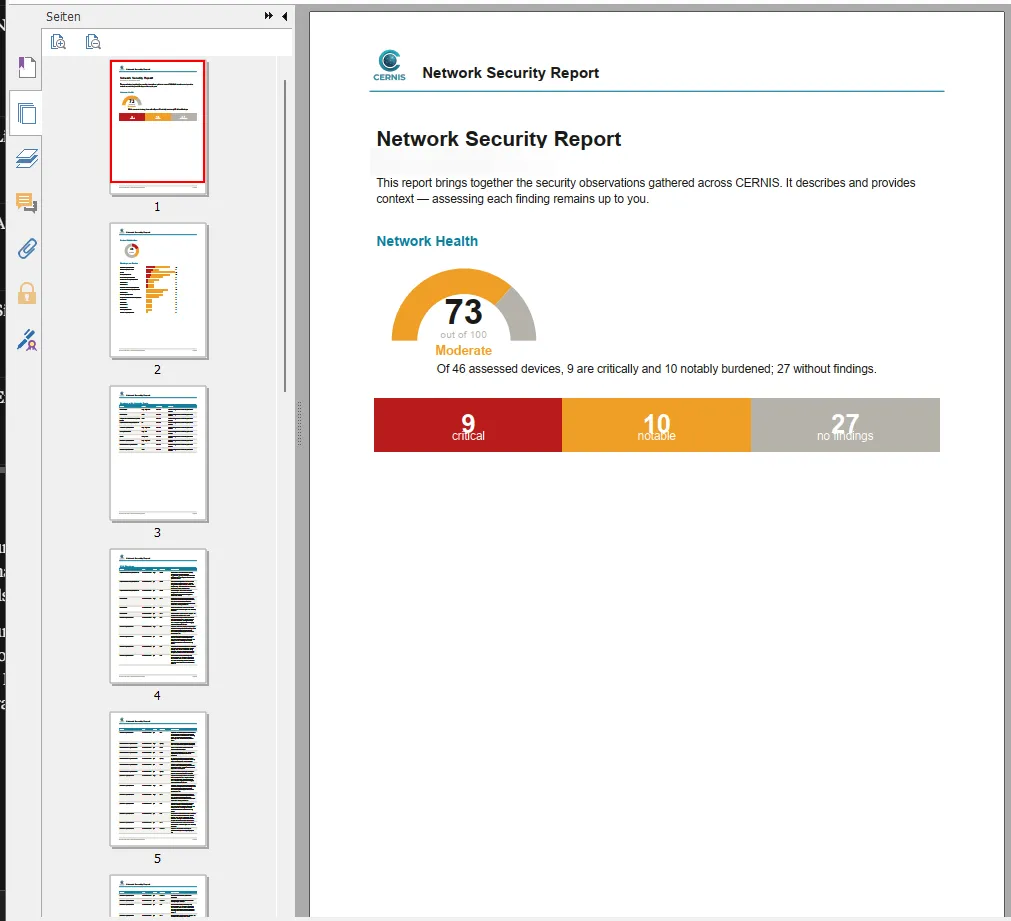
Four central views of CERNIS PRO — real screenshots from the running application.
Network scan Live monitoring External contacts
Security report
Depth beneath the friendly surface
From the one-click scan to the topology graph and the CVE cross-check, through to the network-wide DNS guardian and the detailed FRITZ!Box read-out: the range spans from beginner to professional — without overwhelming the beginner.
Trust should not be necessary here: the packages are under the GPL-2.0-only, and the source code is there to be read — in the same download area as the packages.